To change your payment method follow the steps below:
1) Log into your account at https://www.discountstorageinsurance.com/login

2) Click on "Billing" tab
3) Click "Add Card" and enter new card details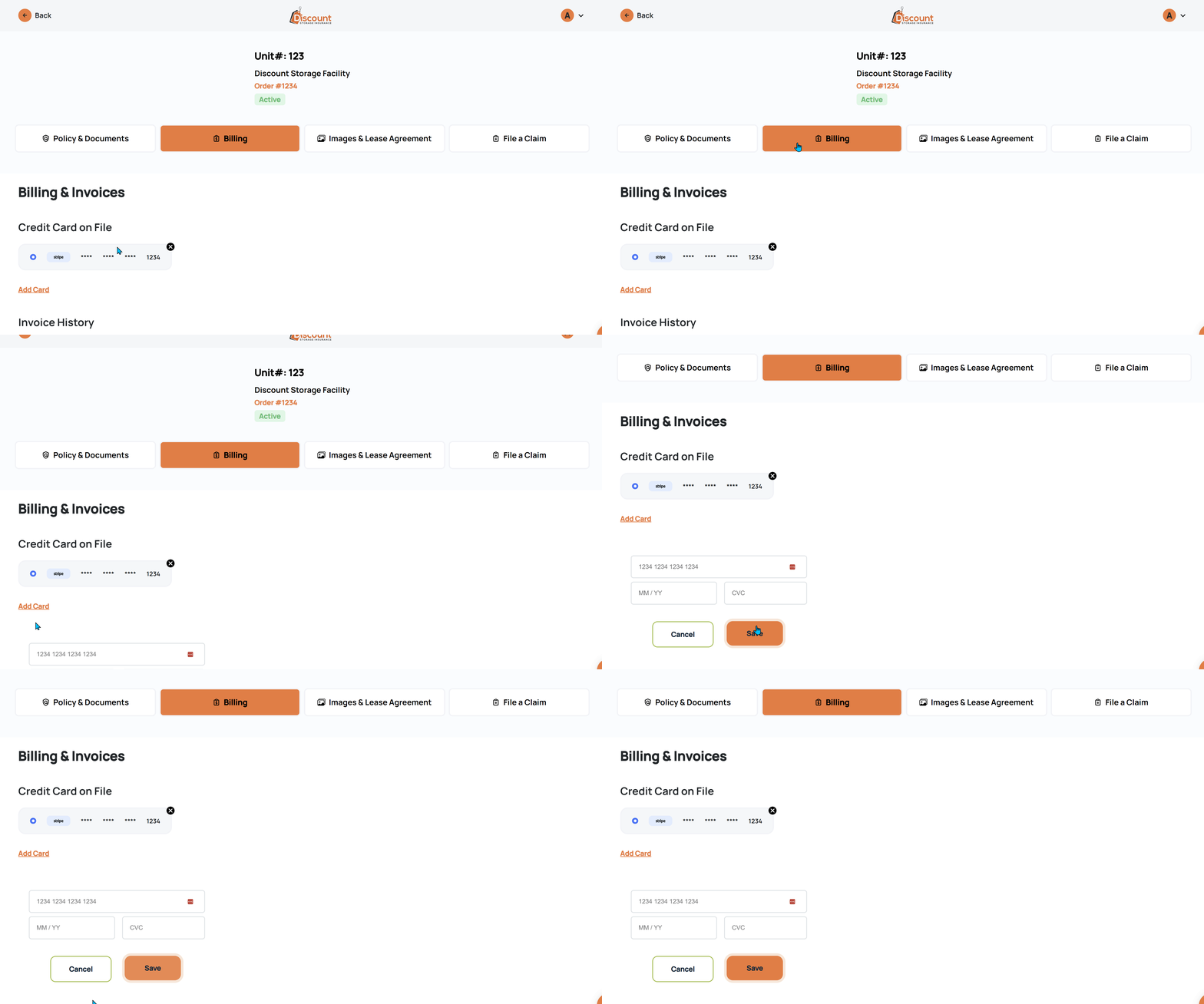
If you have more than one payment method added to your account, ensure the desired payment method is selected by clicking it's radio button.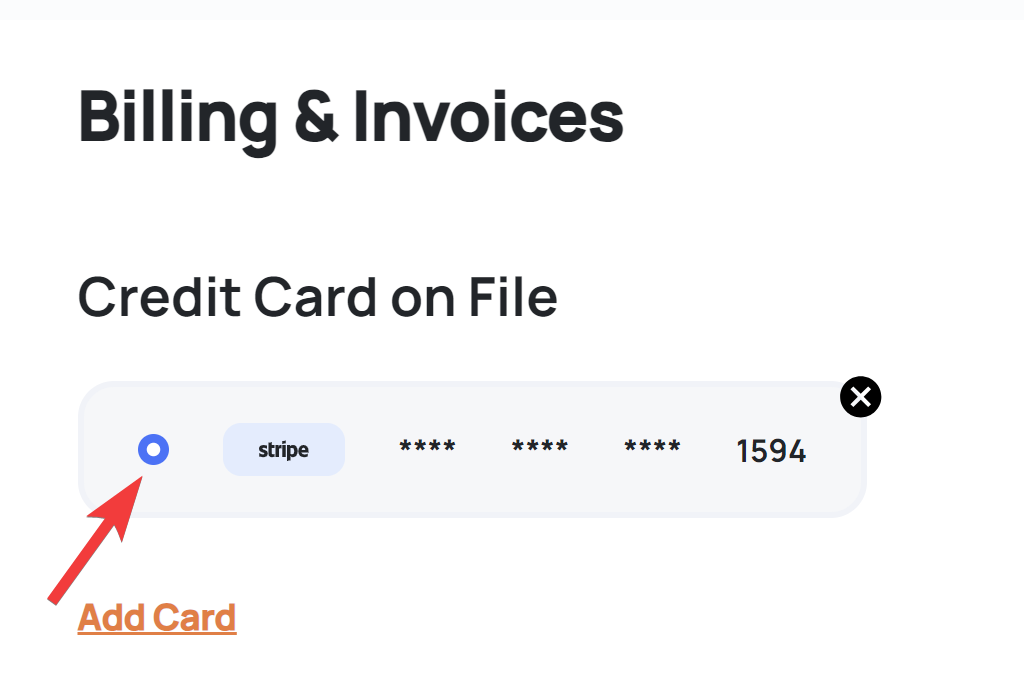
4) You can delete a previous card by clicking the small "X" icon next to the card