To submit a claim you must have an active policy.
1) Log into your account
2) Click "File a Claim"
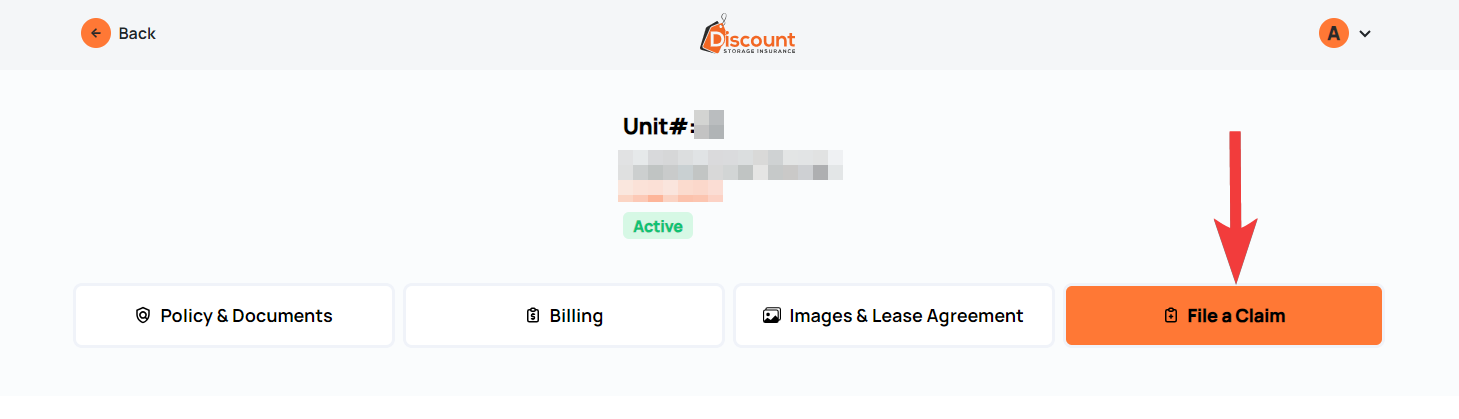
3) Fill out and review your form
4) Upload photos of the incident under "Incident Photos"
5) Upload your Police Report if you have one, under "Police Report"
6) Sign and click "Submit"
You will receive an instructions email immediately after containing instructions. The email will contain links of your submitted information along with a Coverage Confirmation Form for your facility to sign.
Follow the instructions and Email everything to the Claim Processor email address that is included in the instructions email.